 wh1le
wh1le



Nine years ago, I installed Linux for the first time. Ubuntu. I was just starting in IT, and honestly, I was happy. Everything worked. The terminal felt powerful. I thought I’d found my home.
Then I got ambitious and installed Arch.
The Arch Experience
Arch was overwhelming. I wasn’t ready for it. Every configuration choice was mine to make, and I didn’t have the knowledge to make good ones. My setup was unstable. Things broke constantly. I’d spend hours fixing something only to break something else.
Back then, I didn’t understand why things broke. I just knew they did. The Arch philosophy of “you build it, you own it” sounds great until you realize you don’t know how to build it properly yet.
The Mac Years
When I got my first Mac, it felt like a relief. Full terminal power - I could still do everything I needed as a developer. But also a polished desktop UI that just worked. No more debugging my window manager. No more hunting for the right driver.
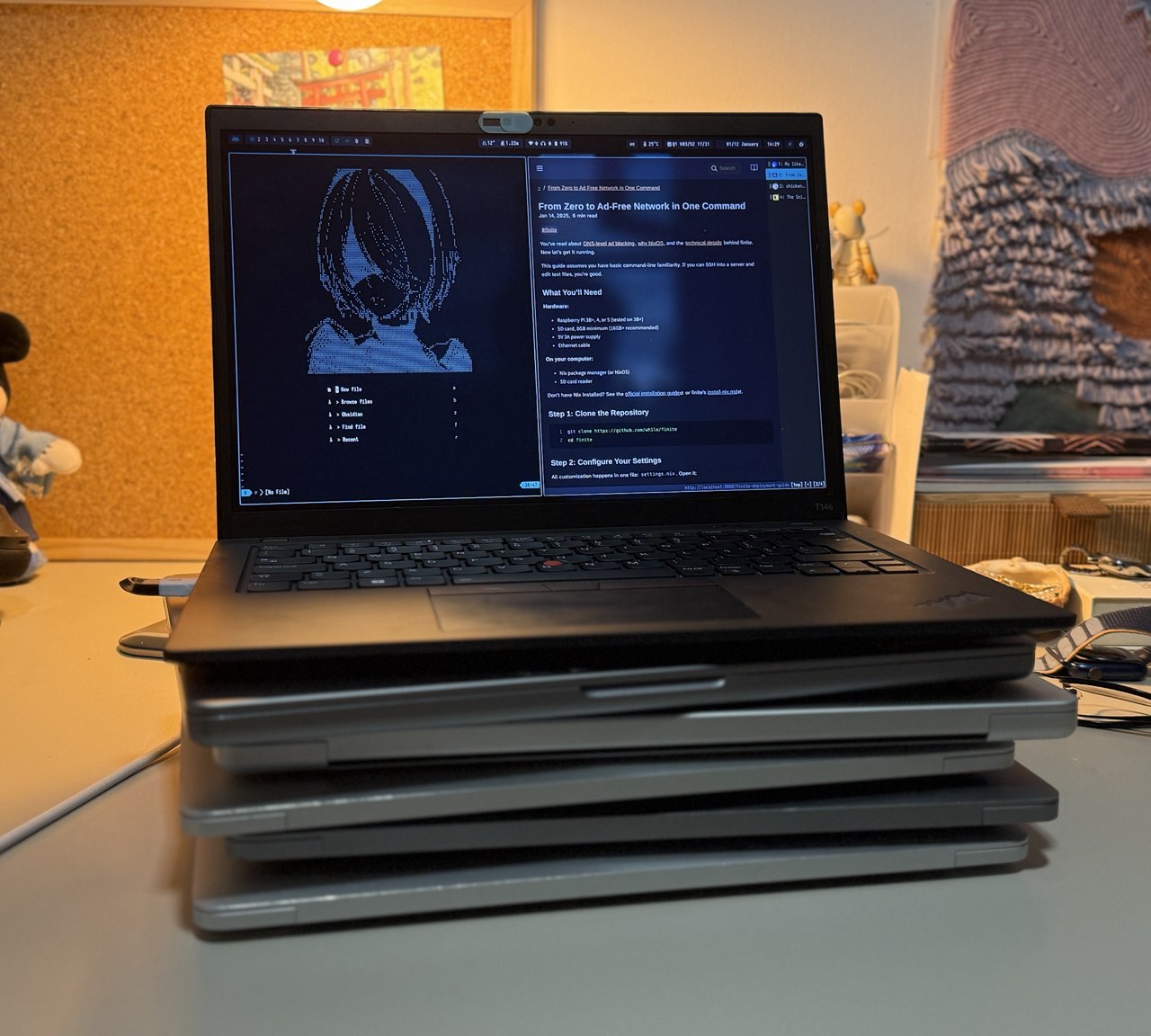
I stuck with macOS for years. Went through five Macs. It was comfortable.
But comfort has a cost. Every macOS update felt like a gamble. Would Homebrew still work? Would my dev tools break? Apple kept changing things in ways that didn’t benefit me. The walled garden got tighter. The “it just works” magic started feeling more like “I need my own solution”.
The Decision to Return
A few months ago, nostalgia for my early uni years hit me. Back then I’d tinkered with Linux but never quite got it right. Now, with a decade of experience under my belt, I decided it was time to return and finally set up a proper window manager.
The question was: which distro? My shortlist came down to two:
- Arch - The distro I’d failed at years ago. More mature community now, great wiki, rolling releases, and I had years of experience running production servers on Linux.
- NixOS - Something completely different. Declarative configuration. Reproducible builds. Configure once and forget.
I knew I wanted a tiling window manager this time. I’d tried i3 when I first started using Linux and liked it. Hyprland looked incredible - modern Wayland compositor, smooth animations, same level of customization. Exactly the workflow I wanted.
Both Arch and NixOS could run Hyprland. The choice came down to approach.
Why NixOS Won
I remembered Arch. The endless tweaking. The config files scattered across /etc. The mystery of “what did I install that broke this?” I’d grown as an engineer since then, but I still didn’t want to spend my evenings debugging my desktop, managing multiple machine setups, keeping configs in sync, and installing package updates every week.
NixOS offered something different: the entire system declared in code. One configuration that specifies everything. Change a line, rebuild, done. If something breaks, roll back.
The Nix language looked weird at first. But also… kind of like documentation? You read someone’s config and you understand their whole system. No hidden state. No mystery packages.
{ pkgs, ... }:
{
  programs.hyprland.enable = true;

  environment.systemPackages = with pkgs; [
    kitty
    waybar
    wofi
  ];
}
That’s not a script. That’s a specification. “This system has Hyprland, Kitty, Waybar, and Wofi.” If it’s not in the config, it’s not on the system.
Even though the initial setup looks simple, over time my Hyprland config grew quite a bit. You can see it here: hyprland.nix
For someone who’d been burned by configuration drift on Arch - this was exactly what I needed.
NixOS has two parts: the main system config and home-manager. I deliberately don’t use home-manager for dotfiles management because if I ever want to switch distros, I can just copy my home/ directory and install system packages. I use home-manager mainly for things like fetching Hyprland plugins and linking my dotfiles from home.
The Learning Curve
Even though the config looks simple, it’s not. It does a lot under the hood. The challenge I kept running into: to configure one thing, I needed to understand how it works in Linux and how NixOS handles it internally.
I struggled with properly linking binaries to other programs. I was also running dual boot with Windows for VR. For some reason, changing the bootloader or migrating to another boot partition would break Windows with no way to fix it. I tried every guide, even relinking manually from the console, but couldn’t get it working. I’m not a Windows terminal guy, so I eventually gave up on dual boot and switched to Linux full-time. I run VR games on Linux now.
Another struggle: I have an Nvidia 4090. Going into Wayland and Hyprland, I knew there might be issues. Firefox and other apps kept glitching. I tried setting environment variables and various fixes but nothing worked well. Eventually I ordered a cheap Radeon card (AMD RX 7600) just for running Wayland and configured GPU passthrough. Now Nvidia handles the heavy lifting for VR and AI while the Radeon renders my desktop. My Nvidia config is still polished if anyone wants to try: nvidia.nix
I also realized how many things I took for granted on macOS. I had to configure each piece of hardware - cooling, hibernation and suspend, printer servers, the list goes on. At times it felt overwhelming because I needed a working system for daily use but things kept not working. My advice: start with someone else’s configuration and modify it to your needs.
Domain Separation
One thing that was important to me is keeping work and personal stuff separate. I don’t want gaming configs and media tools on my work machine. I also don’t want to expose company laptop configuration to potential attacks on intellectual property.
I use dot-hutch as my main public config. For work machines, I import it and add private modules:
# flake.nix

inputs = {
  PUBLIC.url = "path:/home/wh1le/dot/dot-hutch";
  # ...
}

# Work configuration

{ self, PUBLIC, ... }:

  import (PUBLIC + /nixos/system/hosts/thinkpad.nix) {
    inherit inputs nixpkgs nixpkgs-unstable self;
    extraSpecialArgs = { inherit PUBLIC; };
    extraModules = [
      {
        home-manager.backupFileExtension = "backup";
        home-manager.extraSpecialArgs = { inherit inputs; };
        home-manager.users.wh1le = ../../private_home/users/wh1le.nix;
      }
      ({ ... }: {
        imports = [
          ../modules/security/firewall.nix
          ../modules/software/printers.nix
      # ...
Six Months In
I’m still on NixOS. Desktop, laptops, and Raspberry Pi. Haven’t looked back. Even though it took a lot of time to configure everything, I’m happy I got the chance to learn Linux properly.
My config is version-controlled. I can rebuild my entire desktop from scratch in under an hour. I run VR games in my preferred environment without dual boot. When I set up finite (my ad-blocking project), I used the same NixOS approach - now I have a Raspberry Pi that’s just as reproducible as my main machine. Setting up ad blocking for friends is trivial now.
Would I recommend NixOS to everyone? No. The learning curve is real. If you just want Linux that works, Ubuntu or Fedora will get you there faster.
But if you’re like me - someone who’s been burned by configuration drift, who’s tired of mystery state, who wants to actually understand what’s on their system - NixOS is worth the investment.
I’ll cover my full configuration in a series of articles. Stay tuned.