 wh1le
wh1le



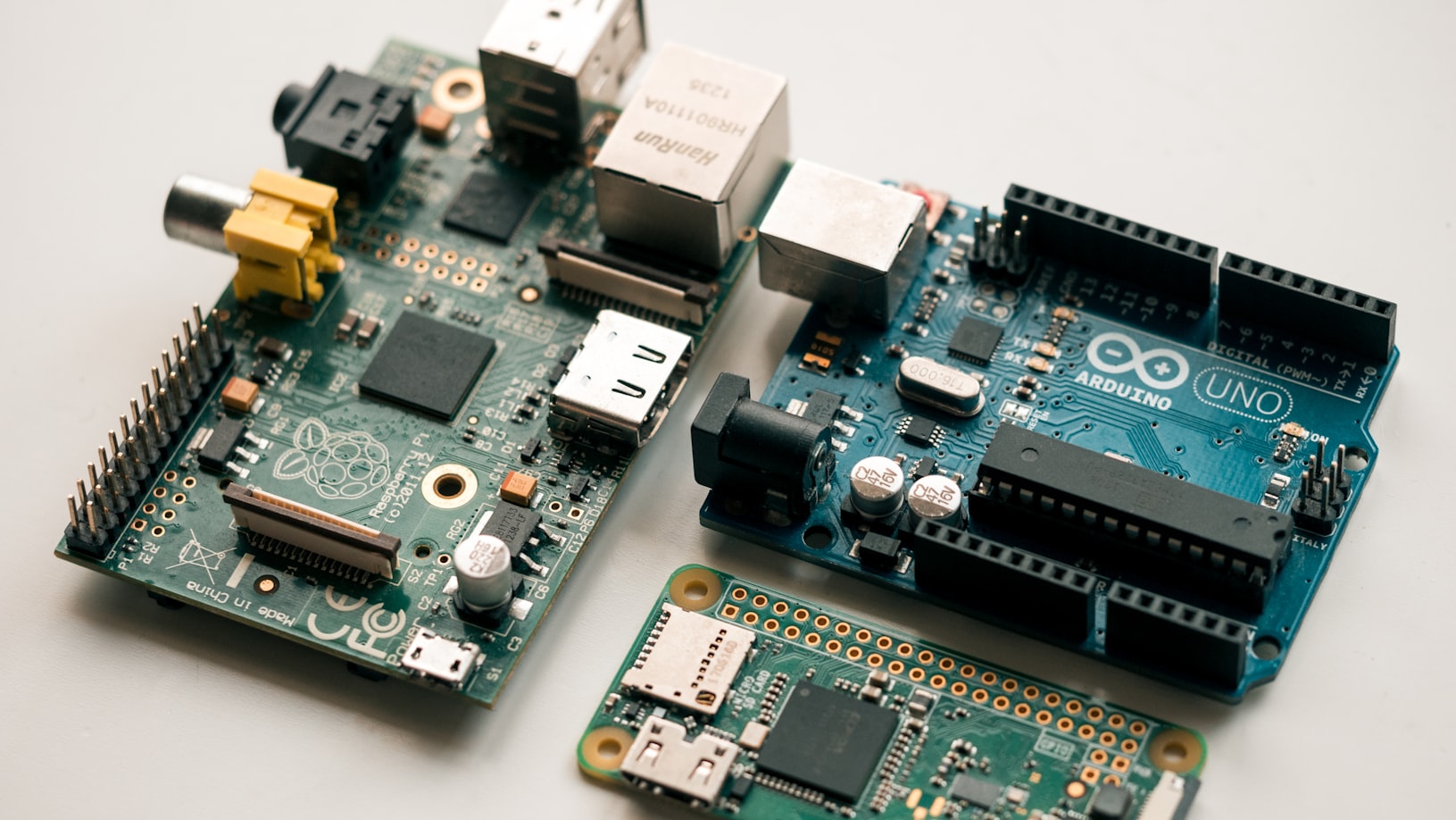
When I decided to build a DNS server on a Raspberry Pi, the obvious choice was Raspbian. It’s what everyone uses. Tutorials everywhere.
But I was already running NixOS on my desktop. Why maintain two different mental models? Why learn Raspbian’s way when I could use the same declarative approach everywhere?
So I went straight to NixOS on the Pi.
What Declarative Gets You
Your Entire System in Config Files
services.unbound = {
  enable = true;
  settings = {
    server = {
      interface = [ "127.0.0.1" "192.168.50.2" ];
      port = 5335;
    };
  };
};
This isn’t a script that runs once. It’s a specification. NixOS reads it and makes reality match. Add a service, rebuild, it’s running. Remove a line, rebuild, it’s gone.
No mystery state. No “I think I installed this but I’m not sure.” If it’s not in the config, it’s not on the system.
Reproducibility
My finite configuration is a git repository. If the SD card dies, I rebuild the exact same system:
nix build .#nixosConfigurations.finite.config.system.build.sdImageFlash, boot, done. Same packages, same versions, same configuration. No reinstalling. No reconfiguring.
Fearless Experimentation
Want to try a different DNS configuration? Edit the file, rebuild. If it breaks, roll back:
nixos-rebuild switch --rollbackNixOS keeps previous system generations around. The worst case is always “go back to what worked.”
Documentation as Code
The config files are the documentation. What firewall ports are open? Check firewall.nix. How is Unbound configured? Check unbound.nix.
No hunting through /etc wondering if something was modified since install. The Nix files are the source of truth.
The Trade-offs
Learning curve. Nix is a functional language with its own syntax. The first time you see { pkgs, ... }: you’ll wonder what you’ve gotten into. It takes time.
Fewer tutorials. Most Raspberry Pi guides assume Raspbian. You’ll need to translate mentally or search specifically for NixOS solutions.
Slower builds. Building NixOS derivations on a Pi takes forever. I build on my laptop and push the result instead:
nixos-rebuild switch --flake path:.#finite --target-host pi-hole@raspbery_pi_api --sudo --ask-sudo-passwordSmaller community. NixOS has devoted users, but it’s not mainstream. You’re off the beaten path.
For a DNS server that I want to run reliably without babysitting, these trade-offs make sense. I’d rather spend time learning Nix than debugging configuration drift.
The Architecture
finite’s configuration is modular:
finite/
├── configuration.nix              # Main entry point
├── hardware-configuration.nix     # Pi bootloader setup
├── modules/
│   ├── unbound.nix               # DNS resolver
│   ├── containers/pi-hole.nix    # Ad blocking
│   ├── network.nix               # Static IP
│   ├── firewall.nix              # Minimal open ports
│   └── ssh.nix                   # Key-based auth
└── settings.nix                  # Your customizations
You touch one file: settings.nix. Everything else just works.
Getting Started
If you want to try NixOS on a Raspberry Pi:
-
Clone finite. Even if you customize heavily, it’s a working example. github.com/wh1le/finite
-
Read the NixOS manual. The official docs are dense but comprehensive.
-
Look at the nixos-hardware repo. github.com/NixOS/nixos-hardware has Pi-specific configurations.
-
Accept the learning curve. It takes time. The payoff is reproducibility.
For the full story of how I ended up on NixOS, see My NixOS Journey.
Next in this series: The DNS Bootstrap Problem - a fun chicken-and-egg situation where your DNS server needs DNS to start.